Build the shooting order
Days and setups in columns, the board's shots grouped by scene beside them. Drag a scene out whole or place shots one at a time; lunch, company moves and the light going are typed in as facts and sit in the running order where they happen.
- A setup is a place and a lighting state, named in your own words
- The board's own order is never touched
- An unplaced shot still shoots. Nothing nags

Run the day from your phone
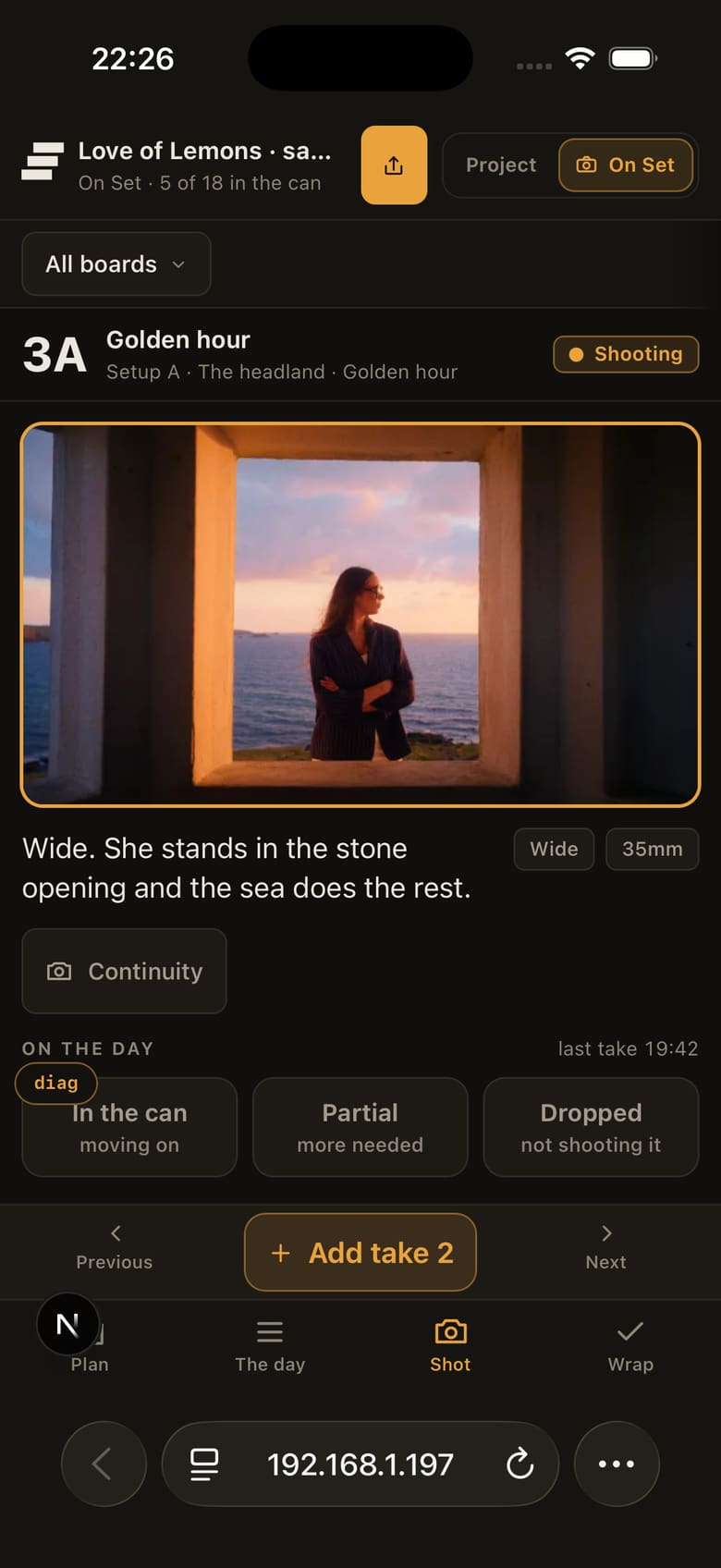
Today's list in shooting order, with the three answers a set actually gives: in the can, partial, dropped. The progress bar reads from what you tapped, so the wrap writes itself and nothing gets typed twice.
- Filter to what is still to shoot, or just the pickups
- Setups carry their lighting state, so the next move is legible
- A shot added on the day is marked as footage the board never promised

One hand on the phone, one on the camera
The frame full width, the three status buttons thumb-sized, and takes logged as the crew counts them. Tap adds a take. Hold Add take for about half a second and it lands already circled, so the take the edit needs is marked on the day rather than reconstructed from memory a week later. What a circled take means, and who circles it →
- Roll and card fields for the edit suite, one tap away, never required
- A pickup is marked with its reason, so tomorrow starts with a list
- Continuity photos attach to the shot they belong to
It is a web page, so there is nothing for anyone to install and nothing to keep updated across a crew. No signal on the moor? Every status, take, note and pickup you tap is kept on the device and sent when the signal comes back. A continuity photograph that cannot get out turns red, and a tap on it tries again. Keep the page open, and open the day once before you leave the unit base: the board is not downloaded in advance.
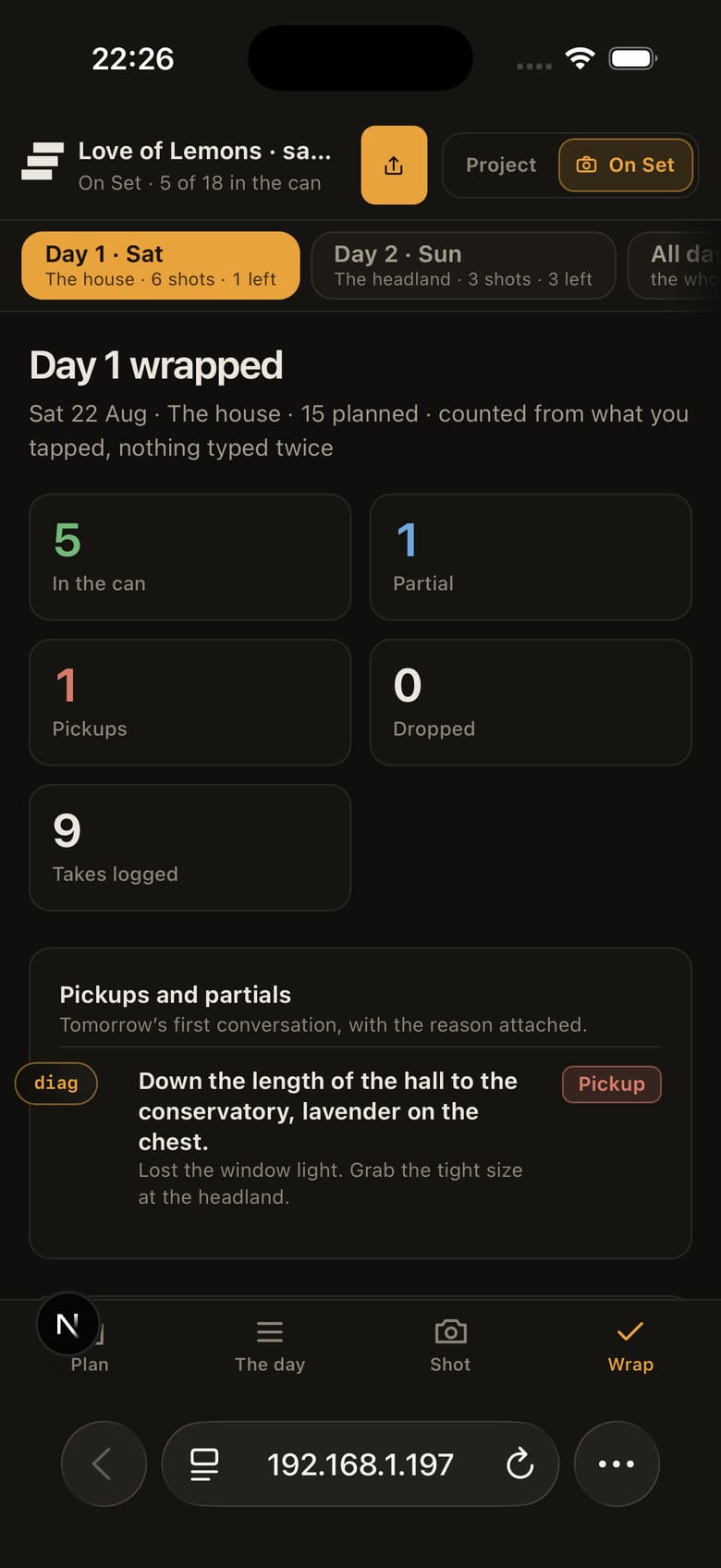
See what you got at wrap
Counted from what was tapped: what is in the can, what is partial, which pickups are owed and why, every circled take with its roll and card, and the continuity photographs attached to their shots.

Share the day with crew and edit
The crew link is today's list, view only, and it expires a day after you make it. The editor's bible is the whole record: every day, every circled take, every note and photograph, one link that stays true as you shoot. Neither needs an account, and a link can be turned off the moment it should be.
- The crew page carries the plan and the progress, and not one word of commentary
- The bible updates as you shoot, so it is sent once
- Whole shoot or one board: the scope is chosen when the link is made
